A calmer kitchen with digital KOTs and live timers
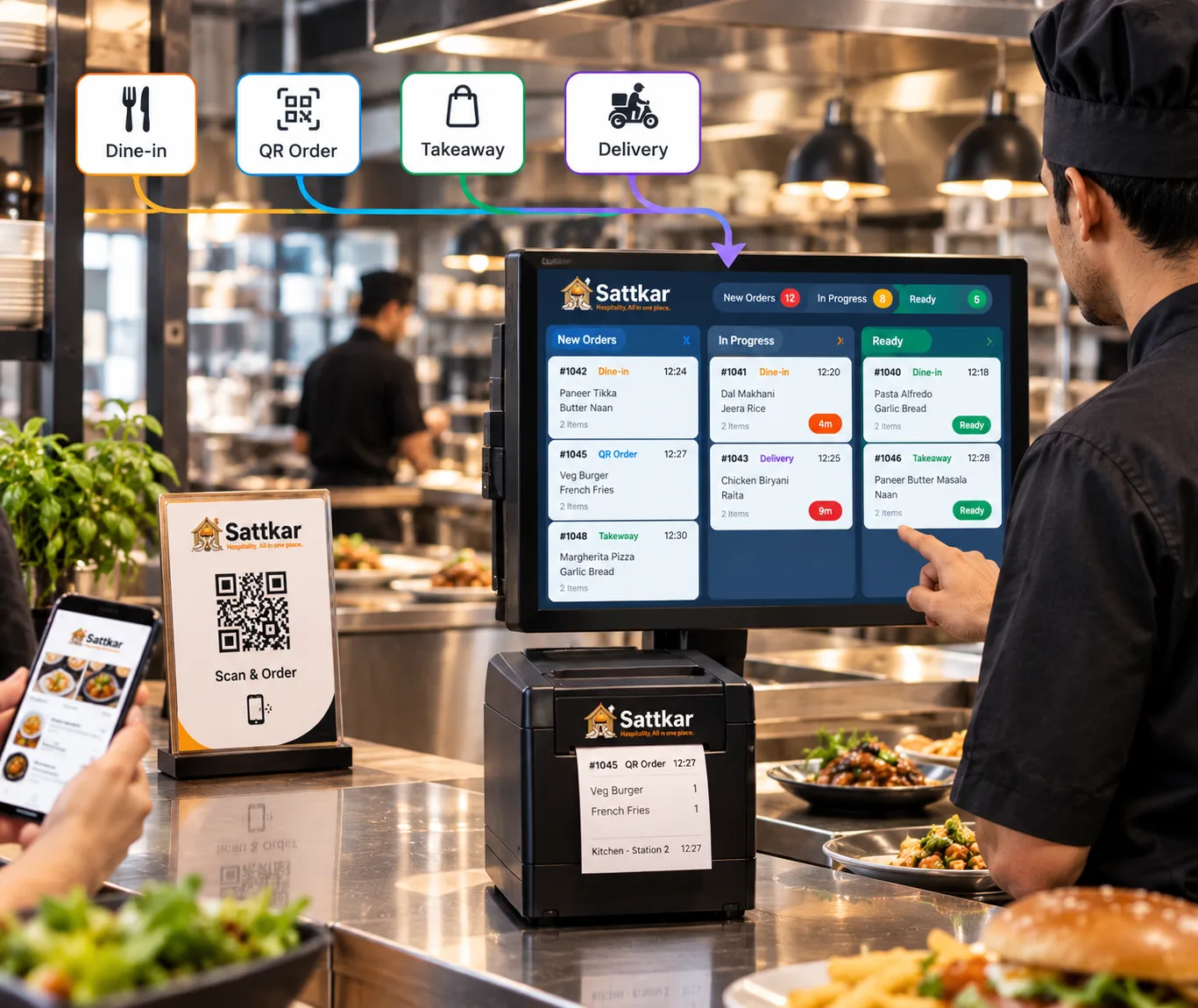
Sattkar sends every dine-in, QR, takeaway and delivery order straight to the right kitchen station — on a printer or a screen. Chefs see what to cook next, how long it has waited and when it is ready to serve.
Food out faster, remakes down
Digital KOTs and a kitchen display with prep timers, so orders move faster and nothing is missed.
One queue for every channel
Dine-in, QR, takeaway, Swiggy and Zomato orders appear in a single prioritised kitchen queue.
Prep timers
Colour-changing timers flag orders that are running late before the guest has to ask.
Station routing
Items are routed to the right section automatically — no shouting across the kitchen.
Ready alerts
Captains are notified the moment a dish is marked ready, so food goes out hot.
Fewer remakes
Clear, typed modifiers like 'less spicy, no onion' eliminate handwriting mistakes.
Kitchen performance
See average prep time by dish, station and shift to fix bottlenecks.
Features built for Indian hospitality
Every capability below is included in Sattkar and connected to your POS, kitchen, inventory and reports in real time.
- KOT printing by section
- Kitchen display screens
- Prep timers & SLAs
- Ready-to-serve alerts
- Modifiers & notes
- Station routing
- Delivery order merge
- Recall & re-print
- Prep-time reports
From handwritten slips to a kitchen that runs itself
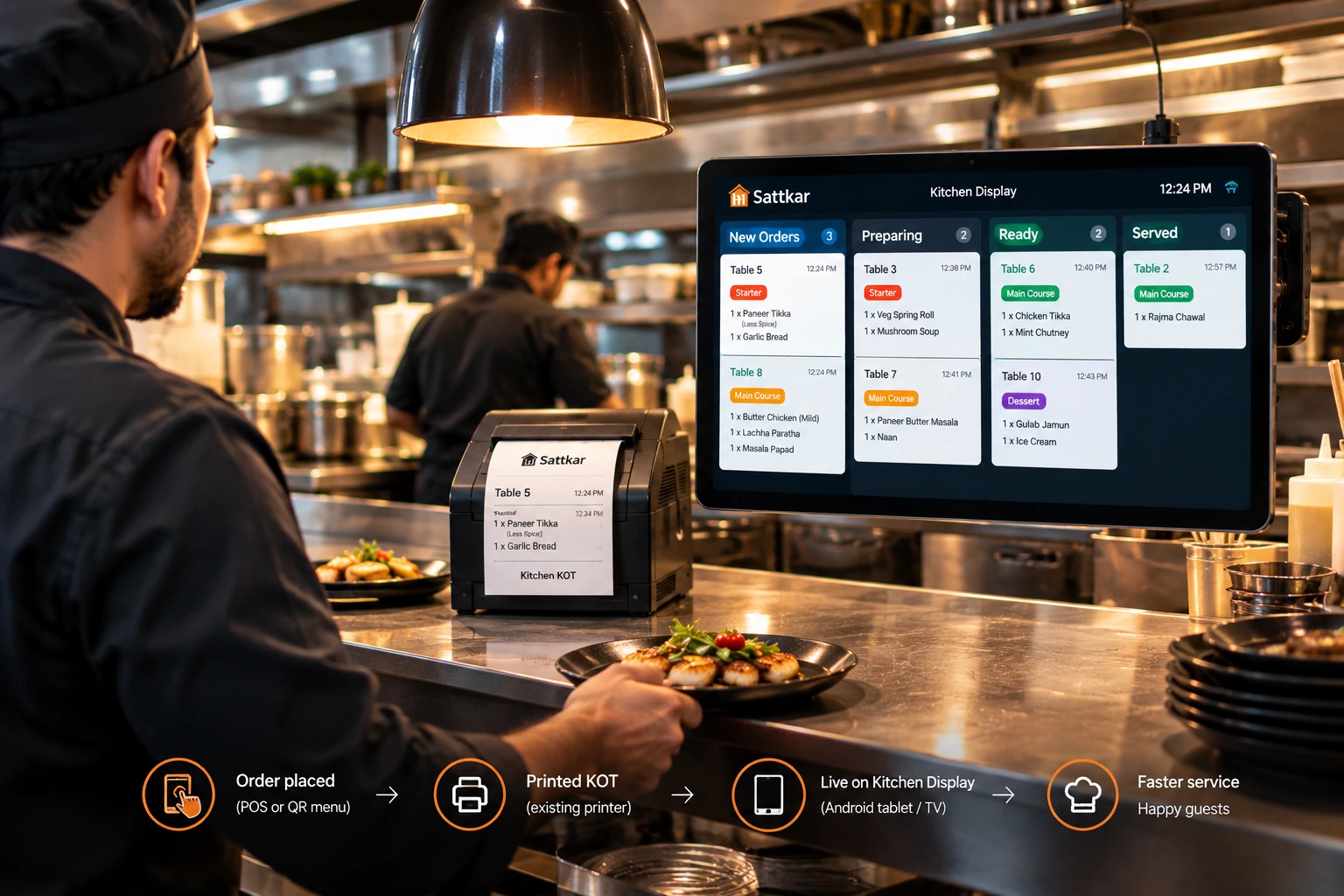
Handwritten KOTs get lost, misread and duplicated. With Sattkar, every order is typed once at the POS or by the guest on the QR menu, and arrives in the kitchen exactly as ordered — with modifiers, table number and course.
Use the printers you already have, add an inexpensive Android tablet as a kitchen display, or mix both by station.
- Works with existing thermal printers
- Any Android tablet or TV as a KDS
- Course firing — starters before mains
- Order bumping and recall
Live in 30 minutes, in 5 steps
No new hardware, no long training. Our onboarding team walks you through every step.
Set up your outlet
Create your profile, add staff roles, tables, rooms and outlet settings.
Menu & QR codes
Add items with photos and prices or bulk upload from Excel. Print table QRs.
Guests start ordering
Guests scan, browse your digital menu and order from their phones.
Kitchen & staff flow
Orders hit the KOT screen; the kitchen prepares, staff serves, status updates live.
Pay, GST & loyalty
Accept UPI or cards, issue GST invoices and award loyalty points in one flow.
Loved by All owners
“QR ordering reduced our wait times by 40% and GST billing is now automatic. It transformed our operations.”
“The WhatsApp automation is incredible. Reviews come in automatically — our Google rating went from 3.8 to 4.5!”
“Managing 4 outlets was a nightmare. Now it's one dashboard and inventory leakage dropped by 60%.”
“Setup took just 25 minutes. The QR menu looks beautiful and customers love ordering from their phones.”
Kitchen Display (KOT): questions owners ask
Can't find your answer? Talk to a real person — we reply in under 15 minutes during working hours.
Do I need special screens for the kitchen display?
Can different kitchen sections get different KOTs?
Do Swiggy and Zomato orders show on the kitchen display?
Can the kitchen mark items out of stock?
Works even better together
Sattkar modules share one database, so everything below connects out of the box.
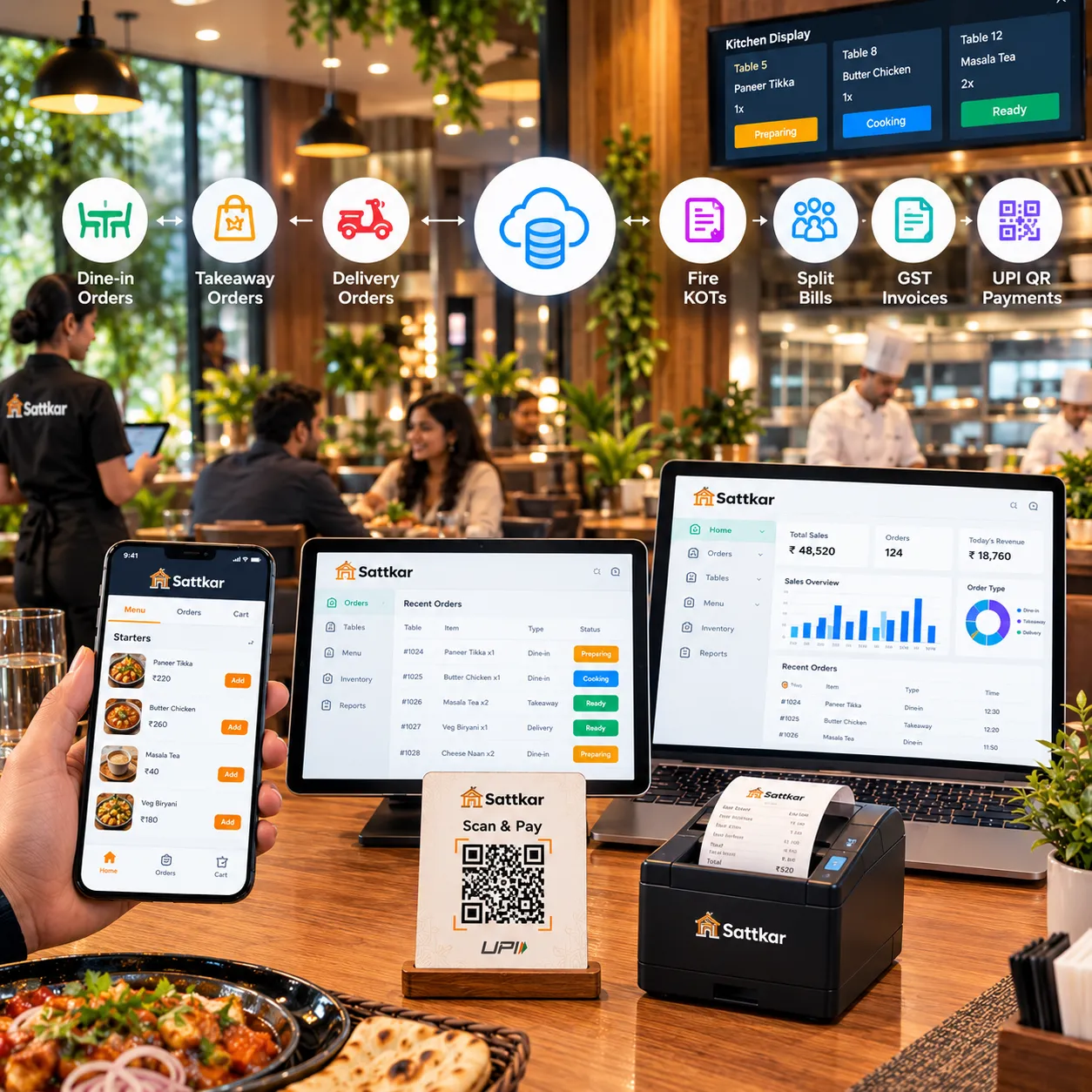
Restaurant POS
Cloud POS billing for dine-in, takeaway and delivery with KOT, split bills and UPI on every invoice.
Learn more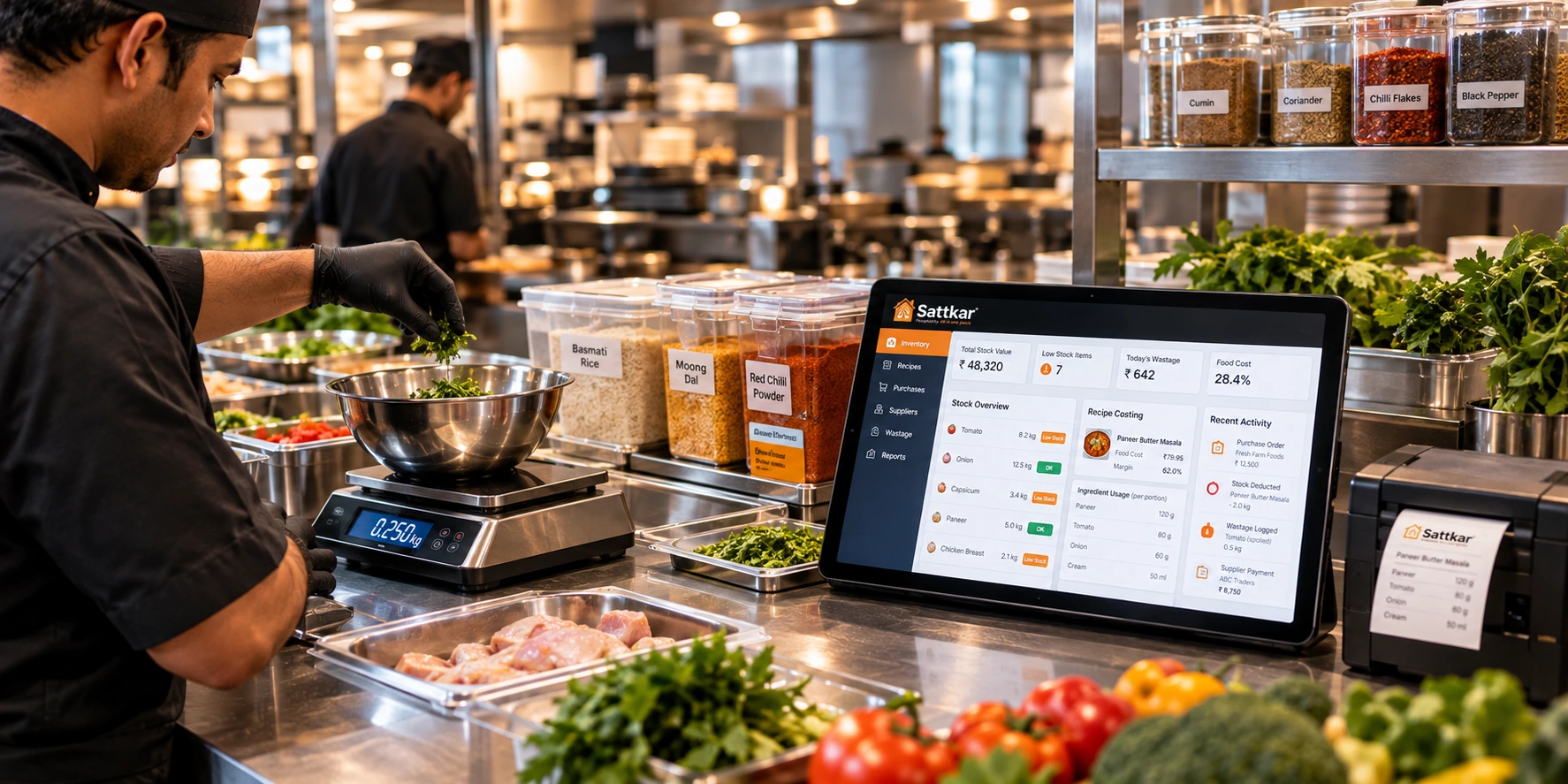
Inventory Software
Recipe-level stock control, purchases, wastage and low-stock alerts that stop inventory leakage.
Learn more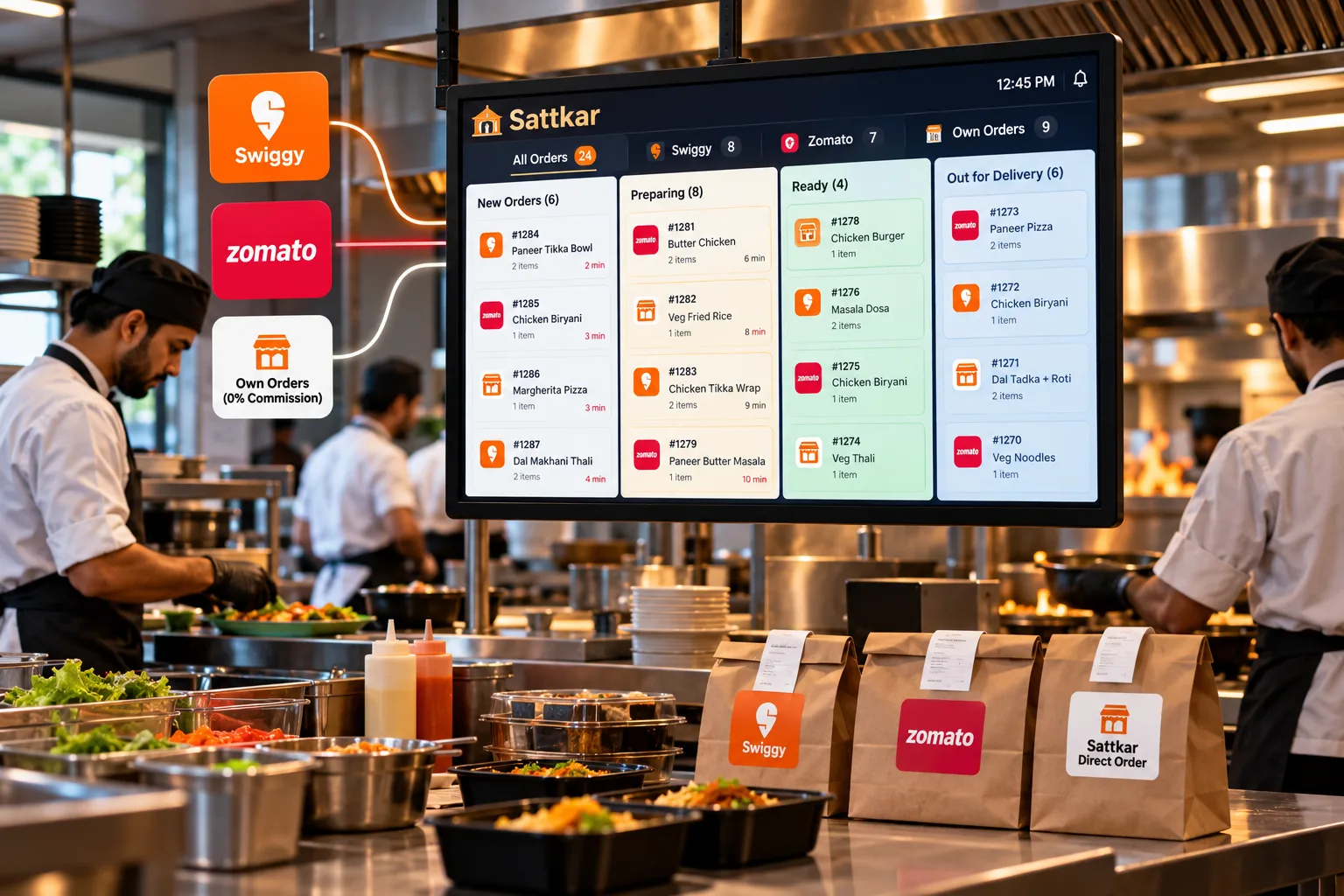
Cloud Kitchens
Multi-brand cloud kitchen POS with Swiggy & Zomato orders, direct ordering and central inventory.
Learn more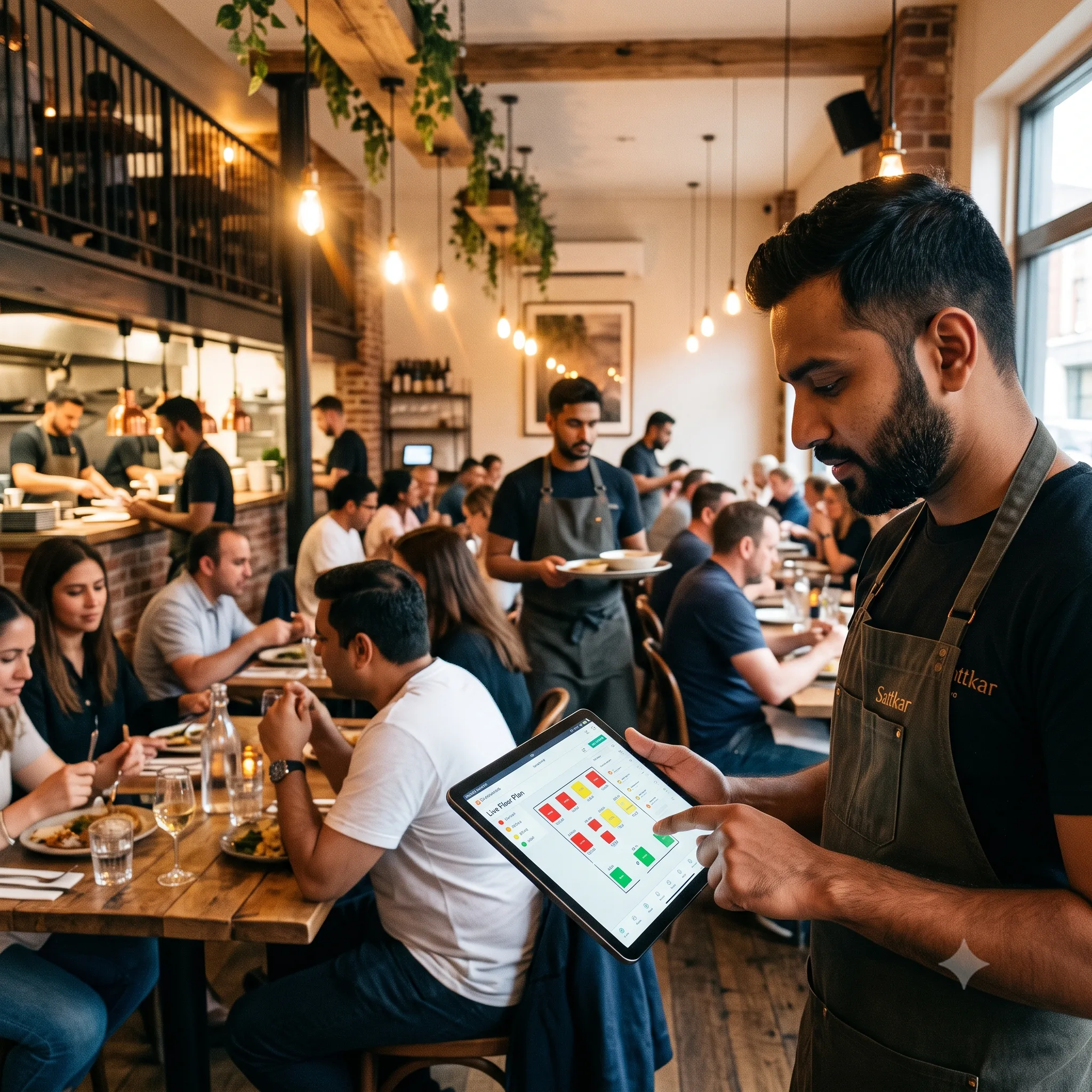
Restaurants & Dhabas
Fine dine, family restaurants, dhabas and QSRs — POS, QR ordering, KOT and inventory in one.
Learn moreSee Sattkar Kitchen Display (KOT)
Book a free, no-obligation demo. A Sattkar advisor will set up kitchen display (kot) with your own menu and show you exactly how it fits your business.
Usually replies in minutes
Operating headquarters
Jaipur & Udaipur, India (Pan-India Onsite Deployment)
Quick response SLA
Guaranteed reply in under 15 minutes during working hours
Ready to run every outlet from one screen? Better tools. Greater hospitality.
Join Many Indian outlets on Sattkar. Free trial, no credit card, live in 30 minutes.
- Hotel
- Restaurant
- Bar
- Café
- Events
- POS
- Clubs
- Banquets / Catering
